Your live sky map.
Look up. Find your way.
What’s that bright point above you? Explore the stars, planets and constellations with Poppot’s interactive 3D sky map. An online planetarium to see where to look and start recognising what you see.
Open the sky mapHow to use the map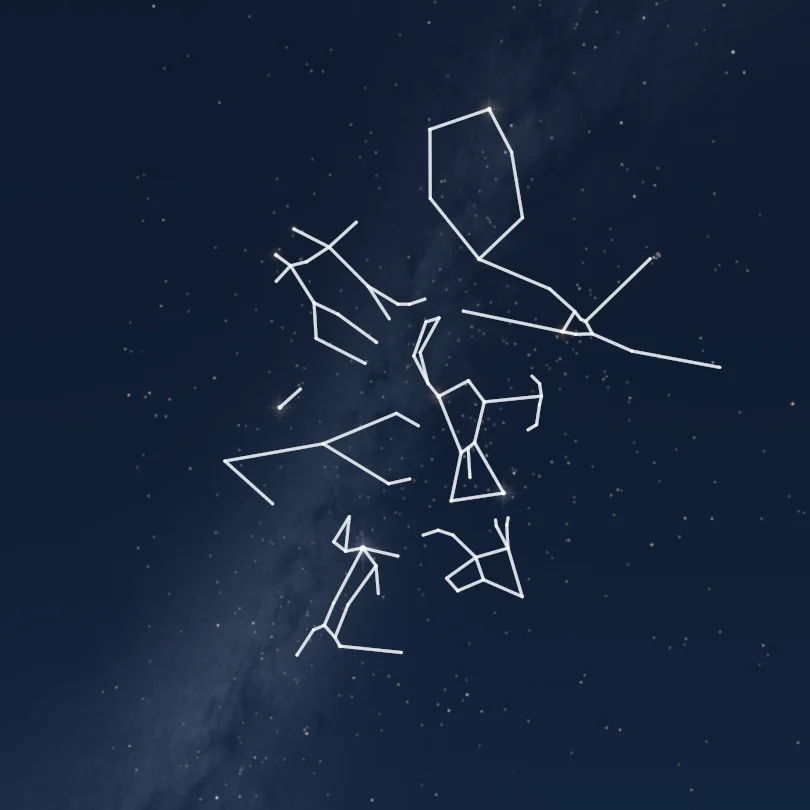
What’s in the sky tonight?
Your night sky depends on where you are, the season and the hour. Set your location and time to explore the objects above your horizon, or plan a later look outside.
Stars, with names.
Find Sirius, Betelgeuse or Polaris with search, then see the stars around them. Move across the sky and zoom in to connect a familiar name with a point of light, instead of getting lost in an anonymous star field.
Constellations, with landmarks.
Explore the 88 constellation figures, from Orion and the Great Bear to the Southern Cross. Switch their lines and names on or off. Start with a recognisable shape, then see how it fits among its neighbours.
The Moon and planets.
Locate the Moon, Venus, Jupiter and the other planets for your chosen date. Their positions change against the stars. Search for an object and check its altitude: being on the map does not mean it is above your horizon right now.
Your place. Your time. Your sky.
Open the full-screen sky in one click. No sign-up or lesson to complete before you can explore.
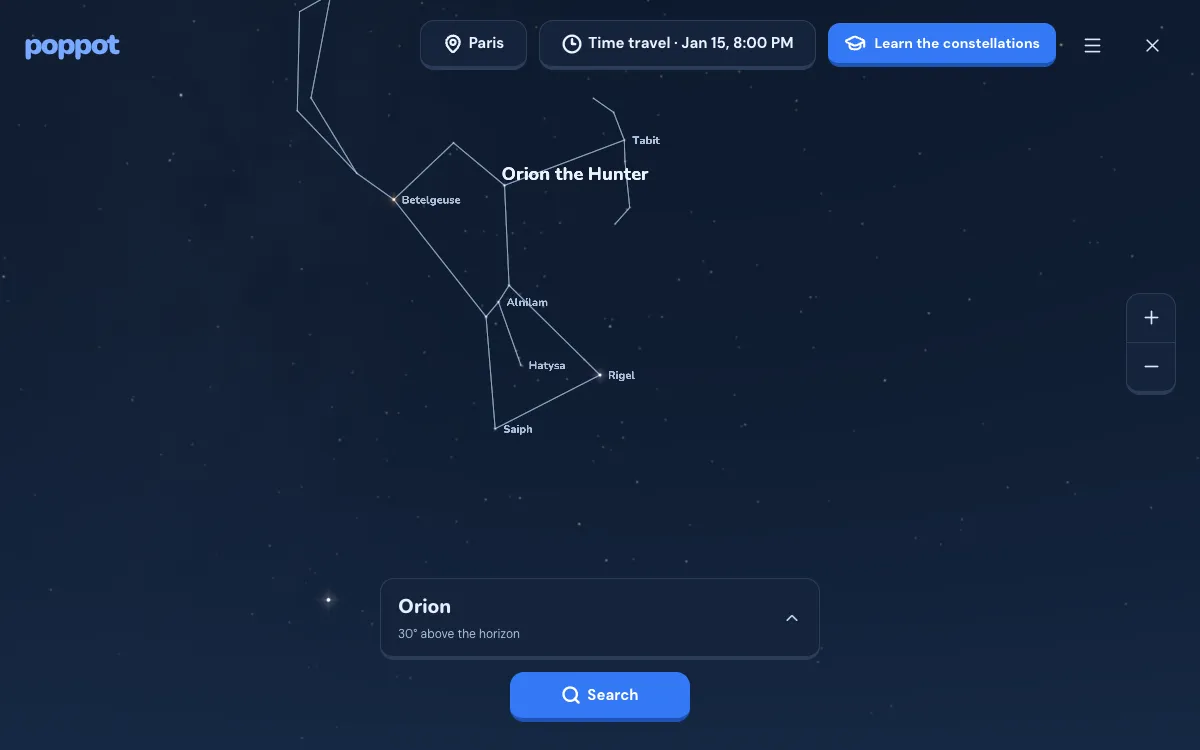
Choose your location
Paris is the starting view, not a guess at your location. Select a city, enter coordinates or use the location button to share your position. Nothing asks for location access before you choose it.
Pick now, or another night
Keep the current time to follow the sky, or change the date and hour to prepare an observation. Times use your browser’s time zone. Return to Now whenever you want to resume the live view.
Look around and find an object
Drag to turn, pinch or use the zoom controls to get closer. Search for a star, planet or constellation to centre it. The cardinal directions help you orient the view; the display menu lets you hide names and lines or switch to night vision.

Outside? Point your phone at the sky.
Install Poppot on Android to take the sky map outside with you. In Explore, enable tracking and point your phone at the sky: the map follows the direction of your device to help you identify the stars, planets and constellations in front of you.
The app uses your phone’s orientation, your location and the time, not star recognition from a photo. Move from one part of the sky to another, put a name to what you see, then use Poppot’s lessons to learn the landmarks for yourself.
Download on Google Play
Find it on the map.
Recognise it without the app.
A sky map tells you where an object is. Poppot also helps you remember how to find it. In the app, guided lessons and exercises turn a field of stars into familiar landmarks: a short row, a bright star, a shape you can rebuild.
Learn a constellation with its lines, then practise finding it with less help. The goal is not to spend the whole evening looking at a screen. It is to look up and recognise more of the real sky for yourself.
Learn the constellationsYour first constellations, step by step.
Follow a route through the real 3D sky, learn the useful stars and find out when to look. Check your location and the date on the map: these constellations are not all visible everywhere, every night.
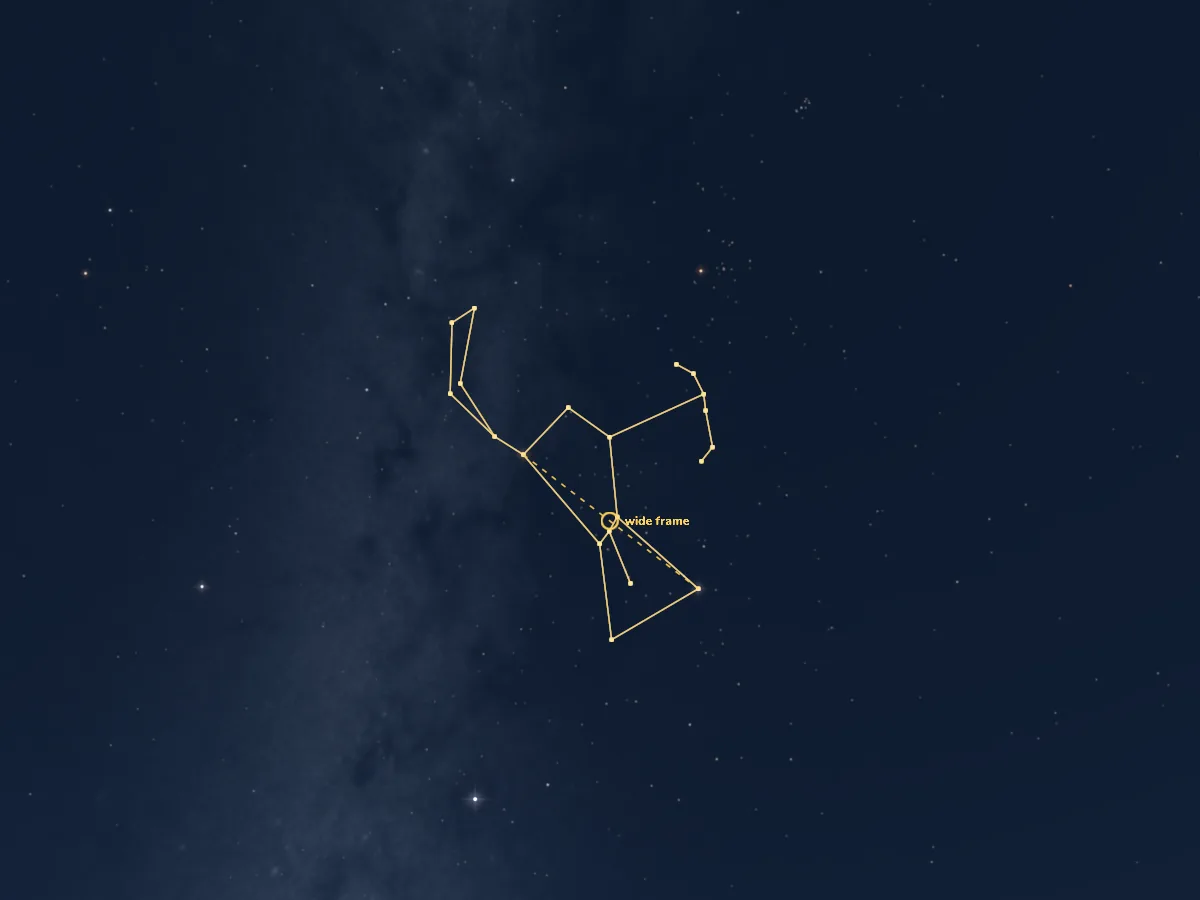
Orion
Find Orion’s Belt, recognize the Hunter’s shape and learn when to look, using the real Poppot sky.
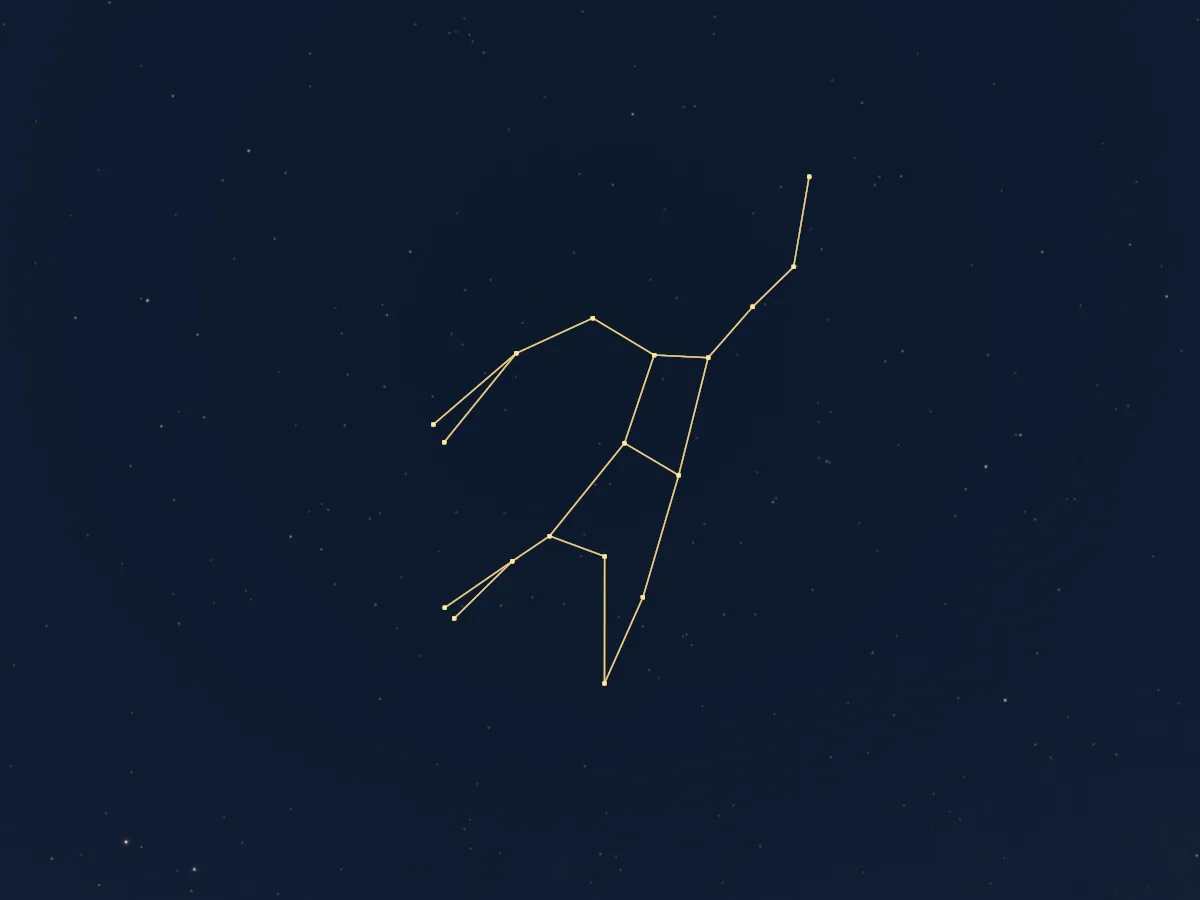
Ursa Major
Recognize the Big Dipper’s seven stars, distinguish it from the Little Dipper and use its pointers to find north.
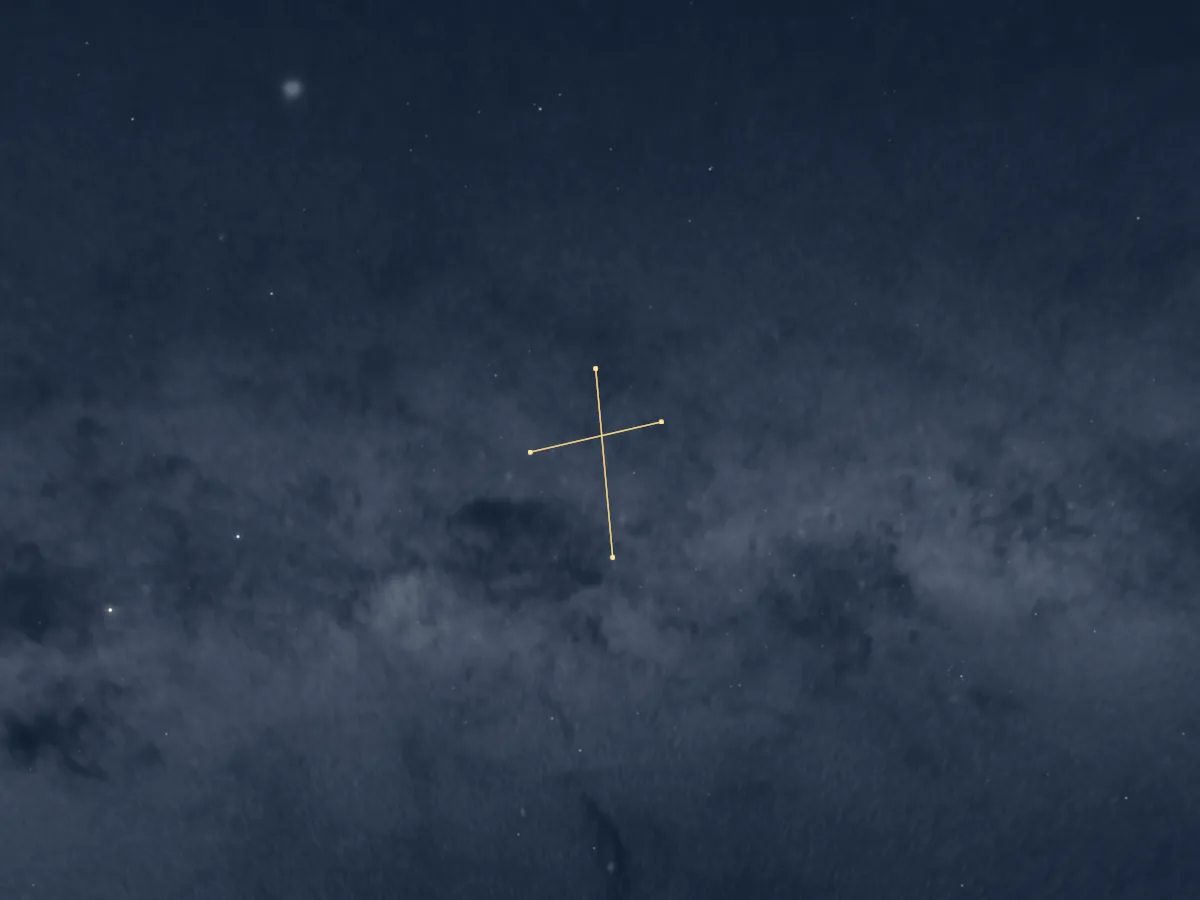
Southern Cross
Find Crux’s four main stars, avoid the False Cross and understand how this landmark helps you find south.
Before you look up.
A few useful answers about the map, your location and the sky you can actually see.
Is this online sky map free?
Yes. You can open the full-screen 3D map for free, without an account or an app download. Poppot’s guided learning journey is separate and opens through Learn the constellations.
Is this a live camera view of the sky?
No. It is a calculated sky for your chosen place and time, not a photograph or camera feed. In live mode, the clock follows the current time. The starry rendering stays readable in daytime; it does not simulate the brightness or weather outside.
How do I see the stars above my location?
Open the map and choose your city or coordinates in the location control, or allow location access with its dedicated button. Check the date and time too. A different latitude changes which constellations rise above the horizon; a different hour changes their position.
Can I use the map on my phone?
Yes. The online map works in a compatible browser with JavaScript and WebGL 2. For observations outside, install Poppot on Android and enable tracking in Explore: point your phone at the sky and the map follows its direction. Tracking depends on your device and permissions; touch controls remain available. The iOS app is coming soon.
Why can’t I see every star shown on the map?
Clouds, buildings and local light pollution are not represented. Some objects are below the horizon or too faint for the naked eye. Use the map to prepare, then check the real conditions outside. The presence of an object on screen is not a guarantee of visibility.
How can I learn to recognise constellations?
Start with one clear pattern, rather than trying to learn the whole sky at once. Use the guides on this page, try hiding the constellation lines on the map, or follow Poppot’s lessons and practice in the app to build your own landmarks.
The next bright point has a name.
Choose your location, open the sky and start with one discovery.
Open the sky map